
1. What is Enterprise Integration?
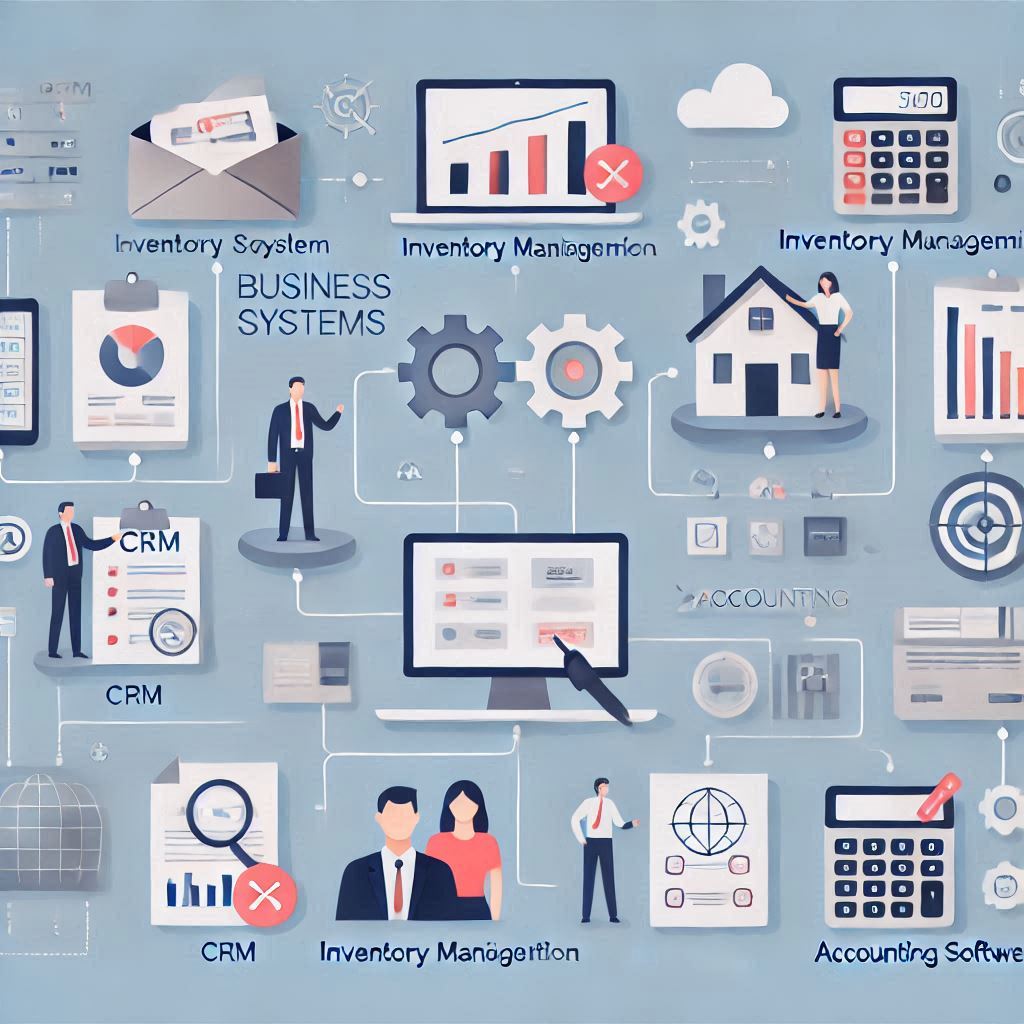
In today’s world, businesses use different software systems to handle everything from inventory management and accounting to customer relationships. But what happens when these systems don’t talk to each other?
Enterprise Integration solves this problem by connecting all your business software together. It ensures that data flows smoothly between systems, helping you automate processes and make better decisions.
For example, if you have a CRM (Customer Relationship Management) system to track sales and a separate inventory system, integration will allow the two systems to share information. So, when a sale is made, your inventory automatically updates. This eliminates the need to manually input data into both systems, saving time and reducing errors.
2. Why Should You Use Enterprise Integration?
Running a business means dealing with a lot of data. Without integration, employees might need to enter data into several different systems by hand. This is time-consuming and increases the risk of mistakes. For example, if an employee forgets to update the inventory after a sale, it can lead to stockouts, unhappy customers, and missed opportunities.
Enterprise integration fixes this problem by automatically syncing data between systems. When one system updates, others are updated too, in real-time. This reduces human errors, streamlines operations, and makes your business more efficient.
3. Key Benefits of Enterprise Integration
- Better Decision Making: With all systems working together, your team has access to real-time data. This means better decision-making and faster responses. For example, if your sales system shows a spike in demand, your inventory system can adjust automatically, ensuring you don’t run out of stock.
- Improved Data Accuracy: Manual data entry leads to errors. For instance, one employee might enter data differently from another, causing discrepancies in records. When systems are integrated, they automatically sync, reducing the chances of human error and ensuring your data is always accurate.

- Streamlined Teamwork: With everything connected, your employees can access the same data in real-time. This makes collaboration easier and faster. For example, your sales team can see the current stock levels, while the inventory team can monitor which products are selling the fastest.
4. How Enterprise Integration Works for Different Industries
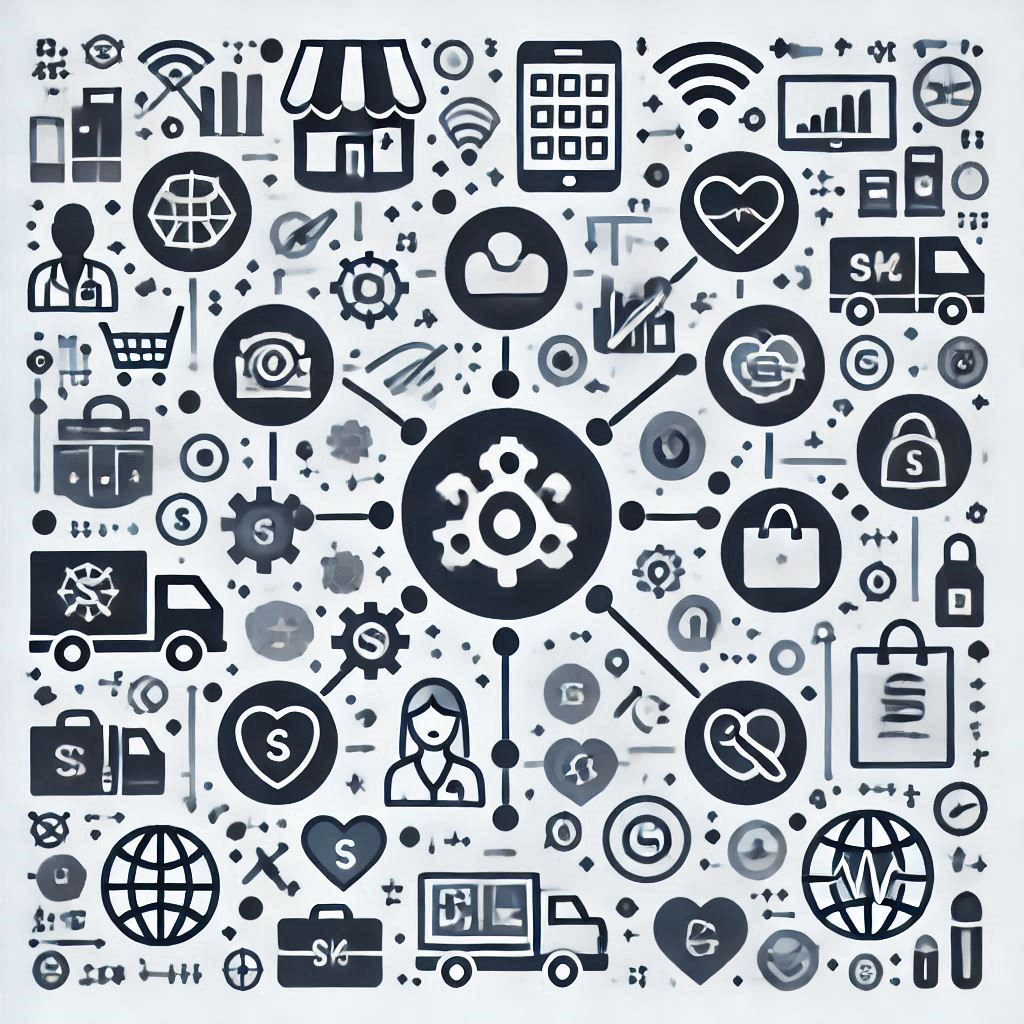
Enterprise integration is not limited to just one industry. It’s useful in many areas:
- Retail: Integration helps manage inventory and customer orders. For example, when a customer buys an item from your website, your inventory updates automatically, and shipping systems are notified.
- Healthcare: Medical institutions use integration to connect patient data with medical records and appointment scheduling systems. This ensures that doctors have the most up-to-date information about their patients.
- Manufacturing: In manufacturing, enterprise integration connects supply chain management systems, production schedules, and inventory systems. This helps manufacturers avoid production delays and manage resources more effectively.
5. Enterprise Integration vs. Custom Software Development
Many businesses think about building custom software to meet their specific needs. While this might seem like a good idea, developing custom software can be expensive, time-consuming, and challenging to scale.
On the other hand, enterprise integration connects your existing systems. It’s faster, more cost-effective, and can be easily scaled as your business grows. Instead of reinventing the wheel, integration allows you to make the most of the tools you already have.
6. Challenges of Enterprise Integration

Although enterprise integration offers many benefits, it’s not always easy. Here are a few challenges:
- Compatibility Issues: Sometimes, different software systems aren’t built to work together. But there are tools available that can help bridge the gap and make these systems compatible.
- Data Security: Sharing data between systems means you need to ensure that your data is secure. Enterprise integration tools often come with strong security features like encryption to protect sensitive data.
- Costs: Setting up an enterprise integration system can involve some upfront costs. However, the long-term benefits of reduced errors, improved efficiency, and better decision-making usually outweigh these initial costs.
7. Getting Started with Enterprise Integration

Here’s how to get started with enterprise integration in your business:
- Identify Your Key Systems: Make a list of all the systems your business uses, such as CRM, accounting, and inventory management.
- Choose the Right Integration Tools: There are several tools available to help integrate your systems. Research and choose the one that works best for your needs.
- Plan Your Integration: Plan out how the systems will work together. This might include deciding which data will flow between them and how often the sync will happen.
- Monitor and Improve: Once the integration is in place, make sure everything is running smoothly. Keep an eye on performance and address any issues that arise.
8.Conclusion

Enterprise integration connects all your business systems and helps your company operate more smoothly. It reduces errors, improves decision-making, and makes your team more efficient. By using enterprise integration, you can streamline your business operations and improve your bottom line